
What Are a Computer’s Input Devices?
Learn what computer input devices do, with examples including keyboards, mice, microphones and scanners—and why a touchscreen is both input and output.
By Device Basics
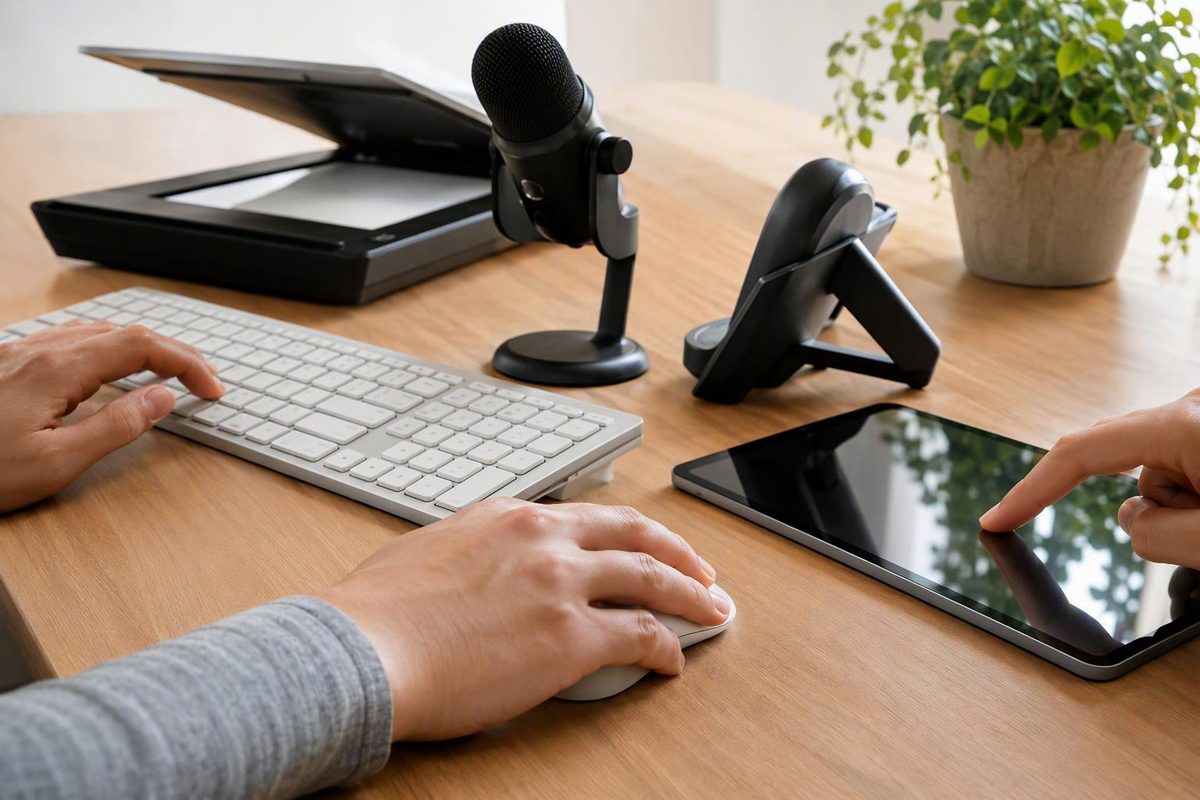
A computer’s input devices send information or instructions into the computer. Common examples are a keyboard, mouse, touchpad, microphone, webcam and scanner. A touchscreen also provides input when you tap or swipe it. These devices let you control a computer system or send data to it.
There is a small distinction: input is the information being sent, while an input device is the hardware that sends it. For example, the words you type are input; the keyboard is the input device.
Common input devices and what they do
| Input device | What it sends to the computer | Example use |
|---|---|---|
| Keyboard | Letters, numbers, symbols and commands | Typing a document or entering a search |
| Mouse | Pointer movement and button actions | Selecting an item or dragging a file |
| Touchpad, also called a trackpad | Finger movements and taps used to control the pointer | Navigating without a separate mouse |
| Touchscreen | Touch actions, such as taps and swipes | Selecting an app or using an on-screen keyboard |
| Microphone | Sound | Recording your voice or giving voice commands |
| Webcam | Images and video | Sending your picture during a video call |
| Scanner | A digital image of a paper document or photograph | Bringing a printed photo into the computer |
These are examples, not a complete list. BBC Bitesize explains how touch, sound, video and scanned images become input.
Input versus output: which direction does information travel?
Use this simple check:
- Input goes into the computer: typing on a keyboard or speaking into a microphone.
- Output comes out of the computer: text displayed on a monitor, sound played through speakers or a document printed on paper.
A normal, non-touch monitor is an output device, not an input device. A touchscreen does both: its touch-sensitive part receives your actions, while its display shows the computer’s output. BBC Bitesize describes this distinction.
For example, when you type a letter, the keyboard sends input, the computer processes it, and the screen displays the result as output.
Which input device do you need?
Match the device to the task: use a keyboard for text, a mouse or touchpad for pointing, a microphone for sound, a webcam for live video, or a scanner for paper documents and photos. You do not need every type—choose according to what you want to send into the computer.